What is OpenClaw?
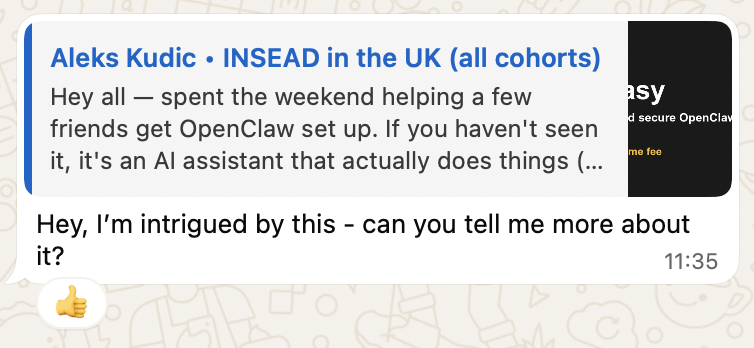
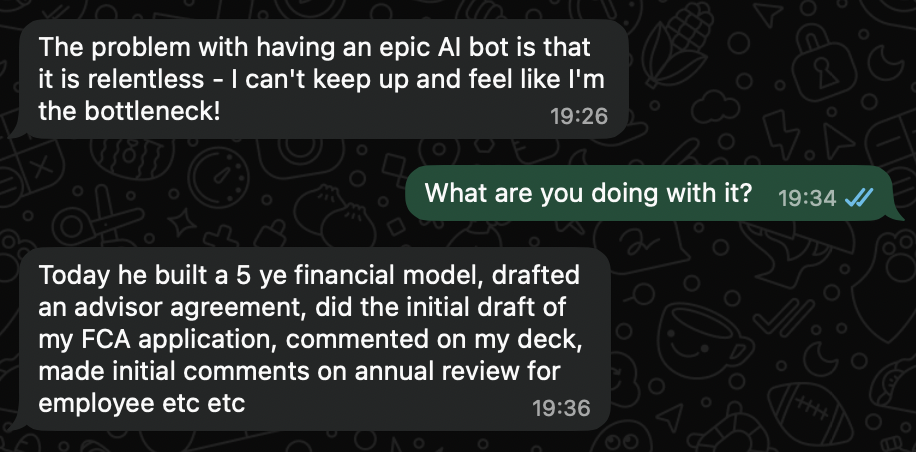
An open-source AI assistant that can triage email, schedule meetings, draft replies, and automate workflows across your tools — running on your own hardware.
What's included in implementation?
Install + hardening, email + calendar integration, up to 3 mission-critical workflows, documentation, and 14-day hypercare. For in-person (SF Bay Area), we come to your location.
How long does setup take?
Expect 5–8 hours all-in for most teams (more with multi-agent rollouts). You go live the same day, typically across one or two sessions.
Do you offer support after setup?
Every customer gets a dedicated Slack Connect channel for direct support. Implementation includes 14-day hypercare. For ongoing monitoring, updates, and support, you'll need a Managed Care plan.
Is OpenClaw safe to run?
It's an AI with access to your email and calendar — security matters. We use Composio so the bot never sees raw credentials, start with read-only permissions, configure Docker sandboxing, and give you an instant kill switch to revoke any integration. Configured to pass your CISO's security review.
What happens after I pay?
We reach out within 48 hours to schedule your kickoff and spin up a dedicated Slack channel. Kickoff (20–45 min) covers requirements. Then a live setup session (1–3 hrs) — your bot goes live the same day.
What access do you need during setup?
Temporary access to the machine/network and the accounts you're connecting (email, calendar, messaging). We use least privilege and recommend credential rotation after go-live.
Do you do multi-agent deployments?
Yes — this is the common case for 4–50 employee teams. We'll help decide which roles need their own agent vs shared workflows.
What about ongoing maintenance?
OAuth tokens expire, OpenClaw ships monthly updates, integrations break, workflows drift. Setup includes 14-day hypercare. After that, Managed Care handles monitoring, updates, and fixes — your team doesn't think about it.
VPS or Mac Mini?
Most customers use a cloud VPS ($5–10/mo) — more secure, easier to maintain, fully remote. Mac Mini if you need iMessage or prefer owning the hardware (~$600 at cost).
Do I need to be technical?
No. We handle everything — no terminal, no code. Most of our customers are non-technical founders and execs. After setup, you message your bot on Telegram, Slack, or WhatsApp — like texting an assistant.
Didn't OpenAI acquire OpenClaw?
Yes — and it validates the product. OpenClaw stays open-source. The core innovations (always-on agents, heartbeats, cron jobs) are table stakes every major AI company is building toward. Our setup, hardening, and managed support work regardless of who owns the project.
Can't I just set it up myself?
You can — it's open source. But every self-install we've seen has gaps: exposed credentials, no audit trail, no sandbox. One customer wiped their Mac Mini four times before calling us. Installation is straightforward — the hardening is where teams need help. Already running? We'll audit and fix what's missing.
What is ClawEmail?
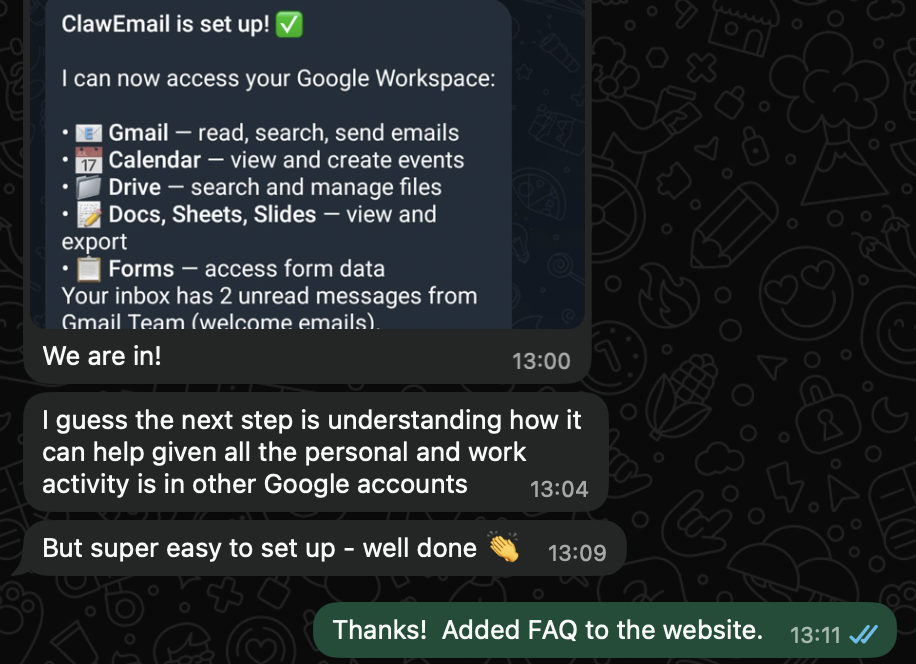
A dedicated Google Workspace account for your AI agent — its own email (e.g. agent@clawemail.com) with full access to Gmail, Calendar, Drive, Docs, Sheets, Slides, and Forms. Completely separate from your personal account.
How do I connect ClawEmail to OpenClaw?
One-click Google OAuth, grab the JSON credentials, paste into your OpenClaw chat. The bot auto-detects and configures the connection — under a minute.
Is ClawEmail secure?
Google's official OAuth 2.0 — same protocol every major app uses. No passwords stored. Revoke access anytime through your Google account settings.
Does ClawEmail work with other platforms?
Yes — Telegram, WhatsApp, Slack, Discord, any platform your agent runs on. Paste the credentials into your group chat and you're set.
How much does ClawEmail cost?
$16/mo or $160/year (save 17% annual). Includes the Google Workspace account, full API access, and OAuth setup.